
Save links, notes, and references
Save useful things from the web. Find them again when they matter.
Folara gives developers and researchers one calm place to save links, notes, snippets, and references, then find them again through one inbox and helpful related items.
Need the deeper product explanation? Start with How Folara works. Comparing it with plain bookmarks? See Bookmark alternative.
Folara / Inbox
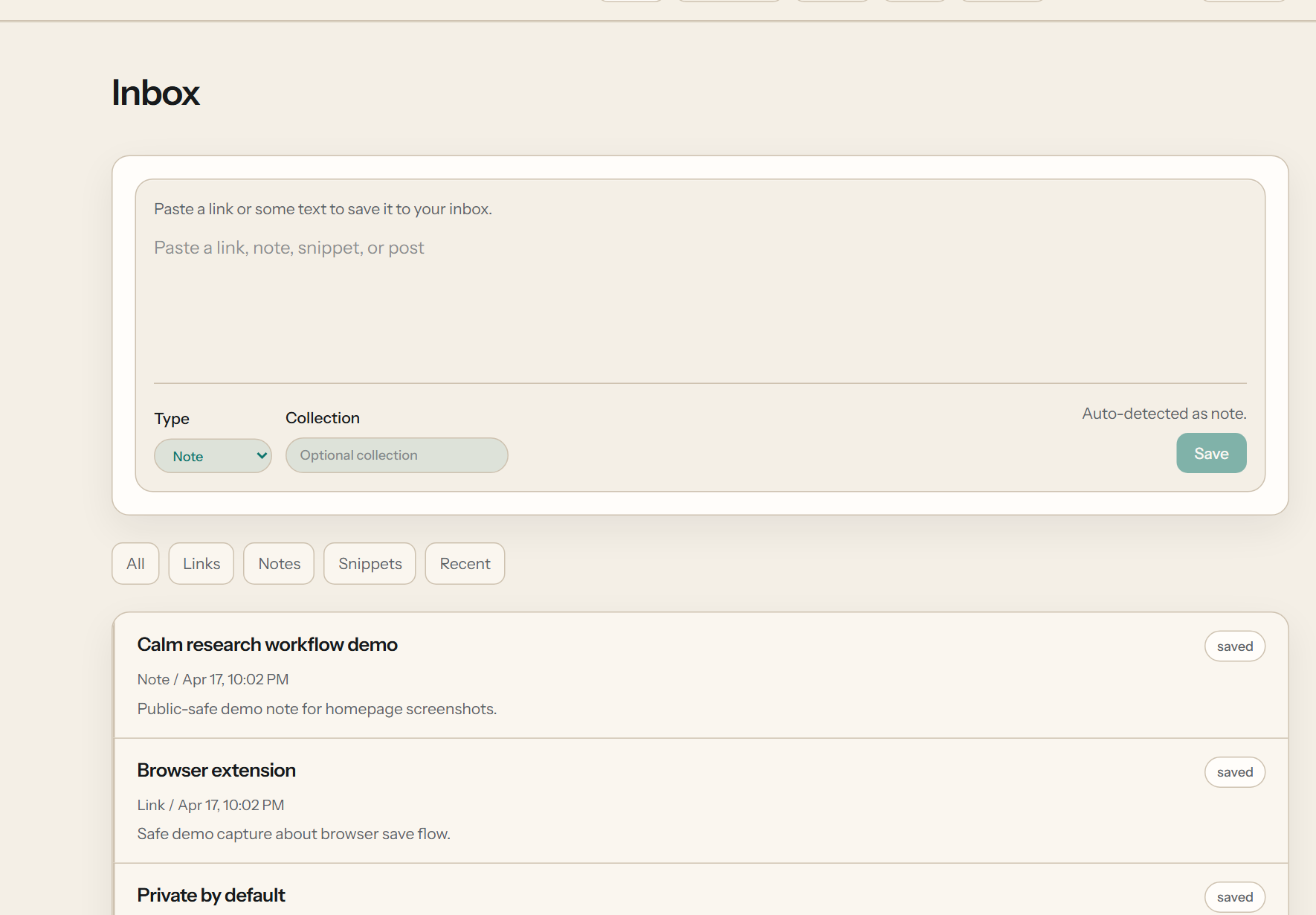
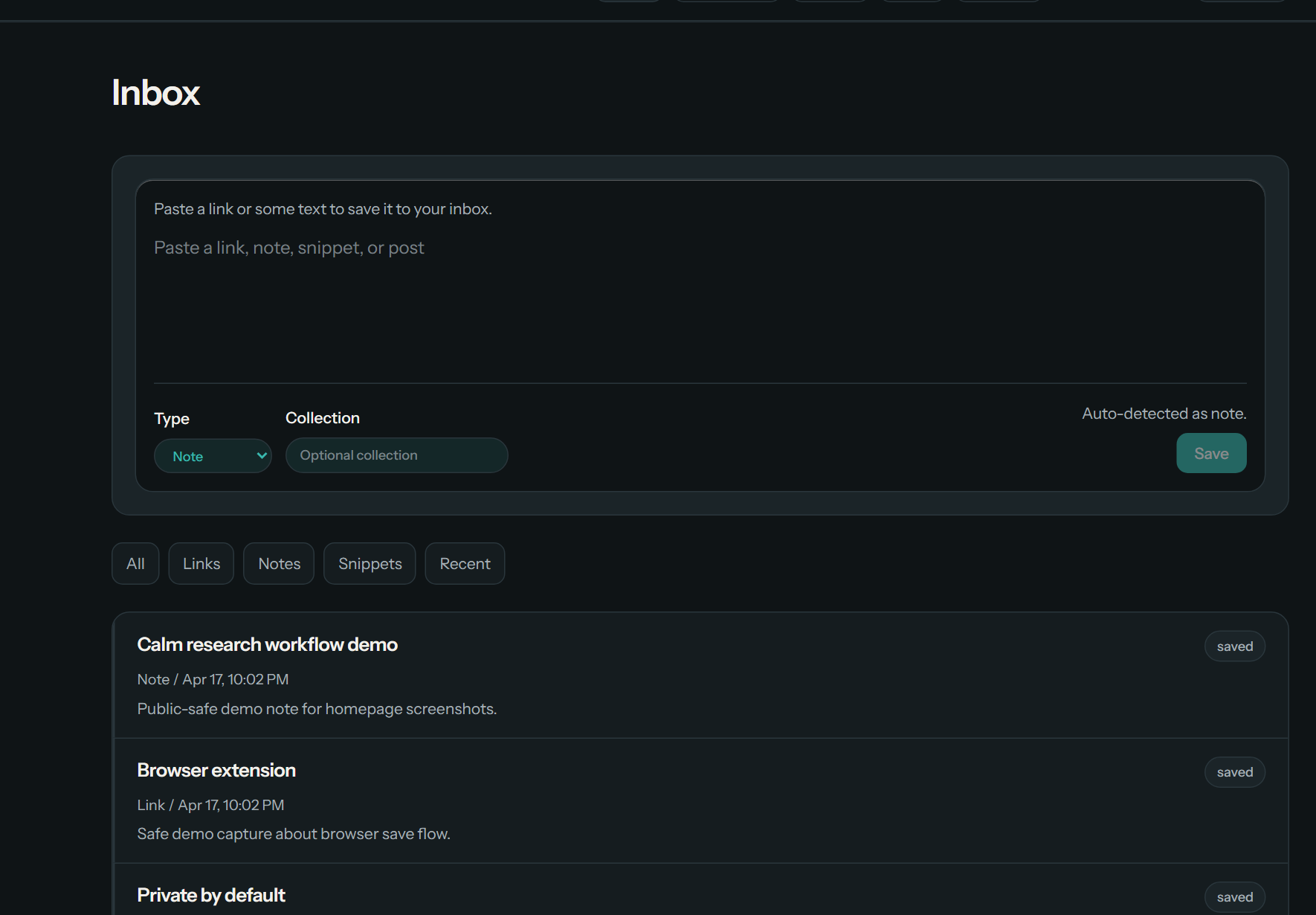
The product loop
Save. Inbox. Related.
Save
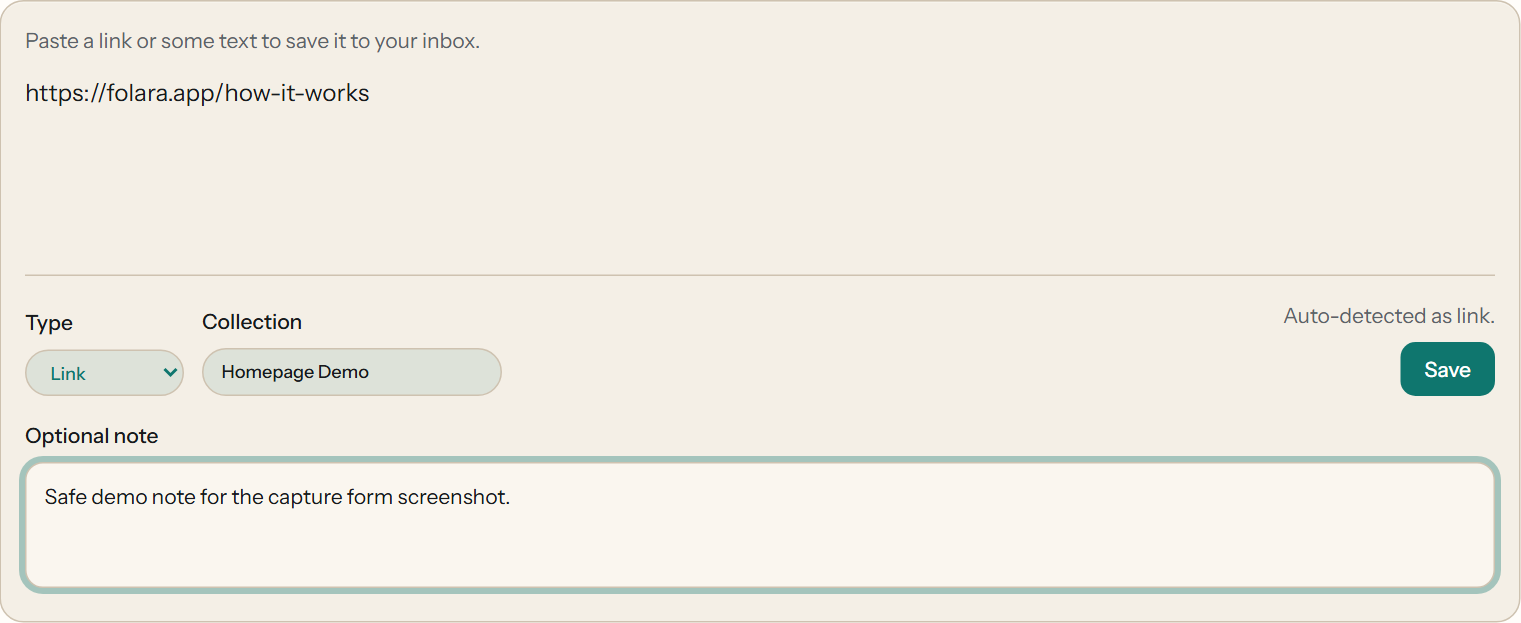
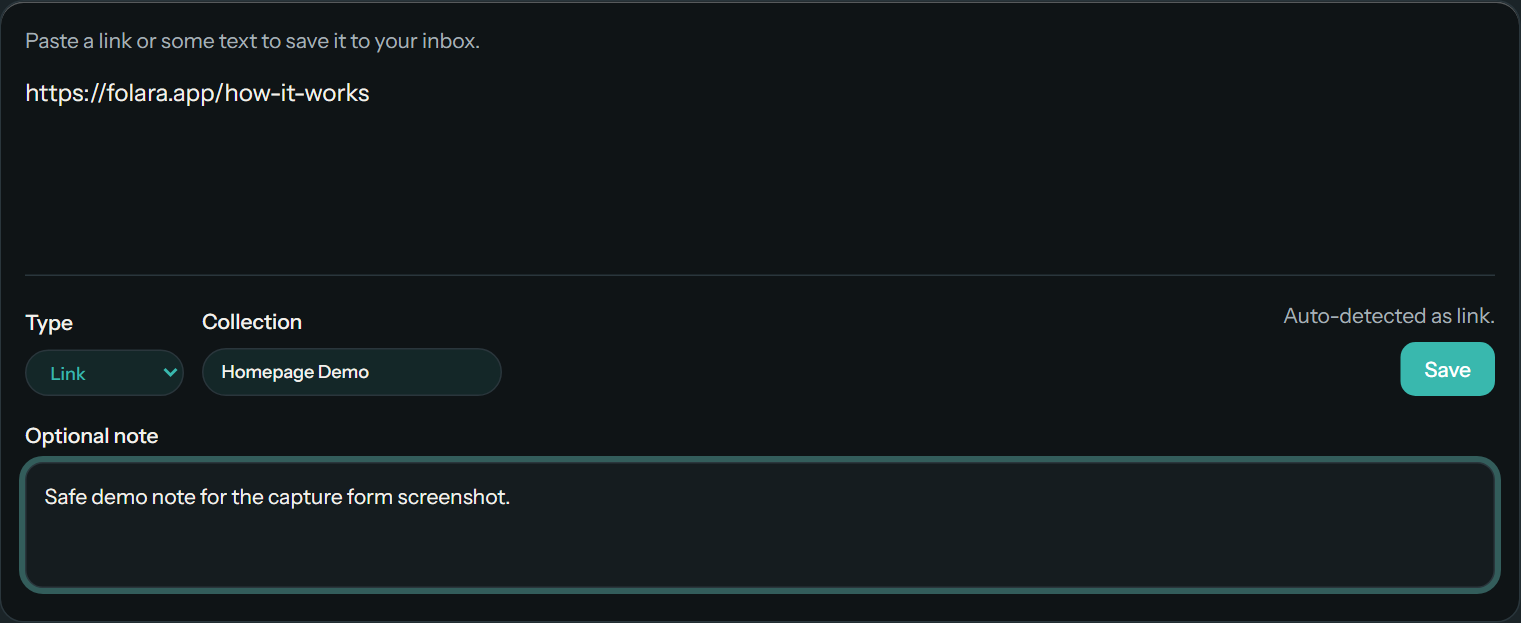
Save
Save it while it is still fresh.
Links, notes, snippets, posts, and references all use the same simple save path.
Inbox
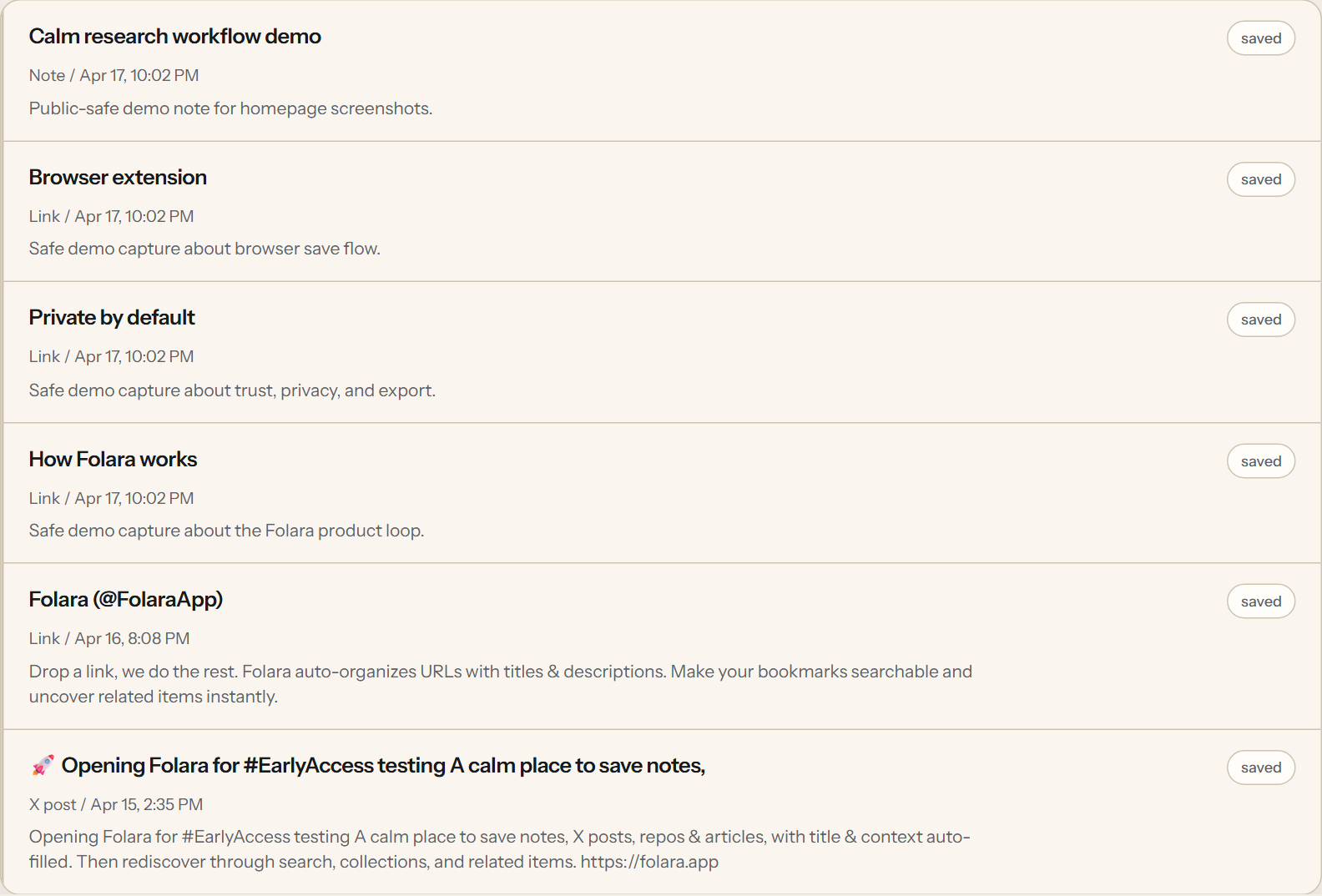
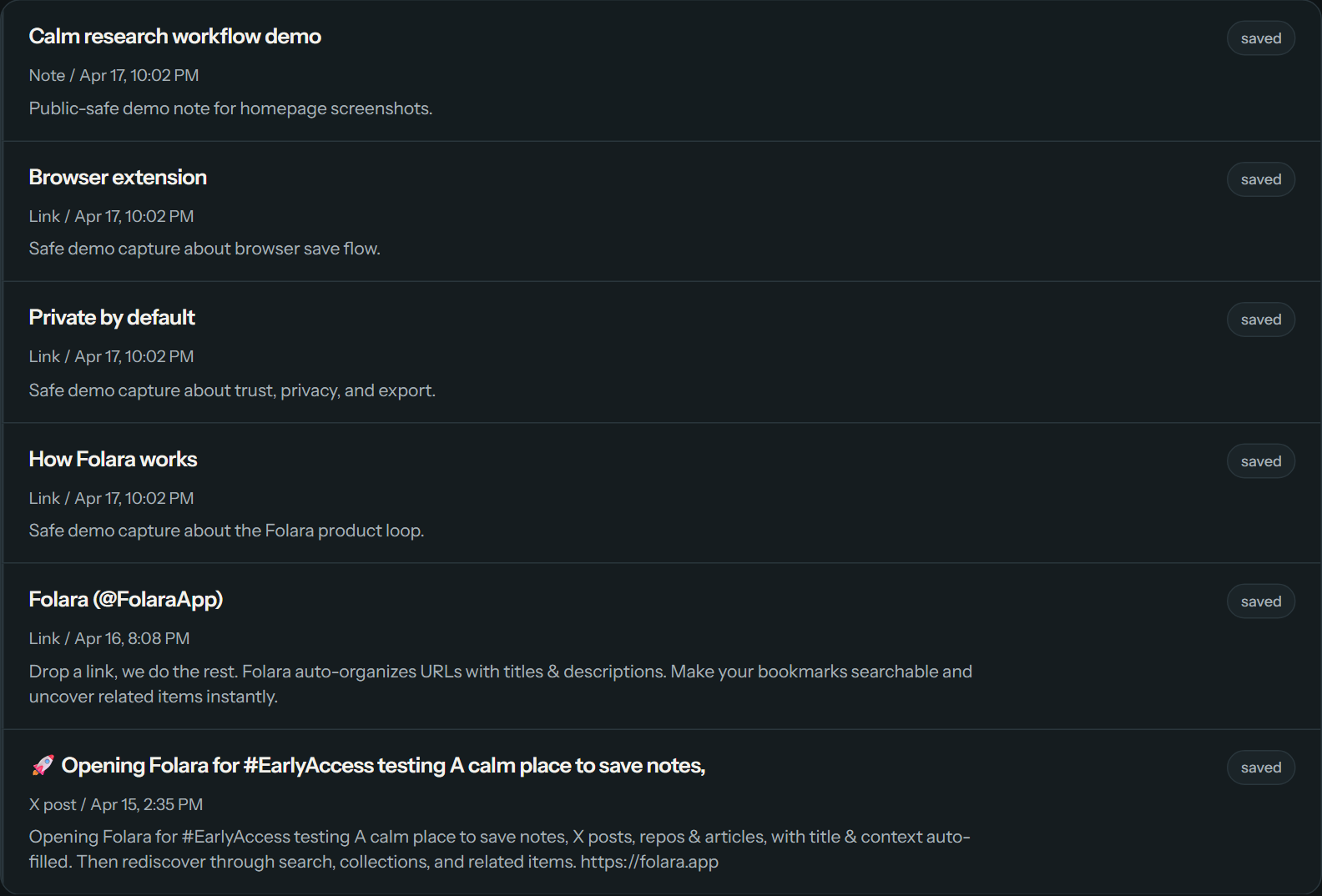
Inbox
Keep it in one calm list.
New saves stay easy to scan and reopen instead of getting lost in tabs, notes, and scattered tools.
Related
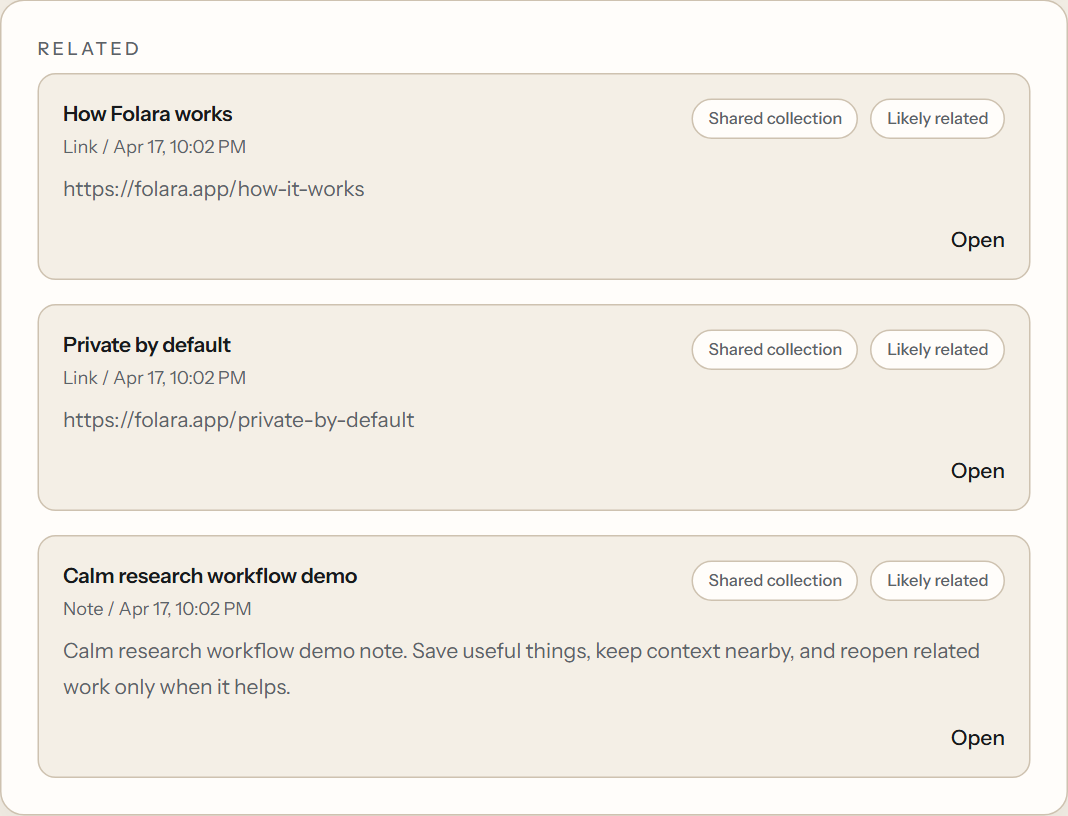
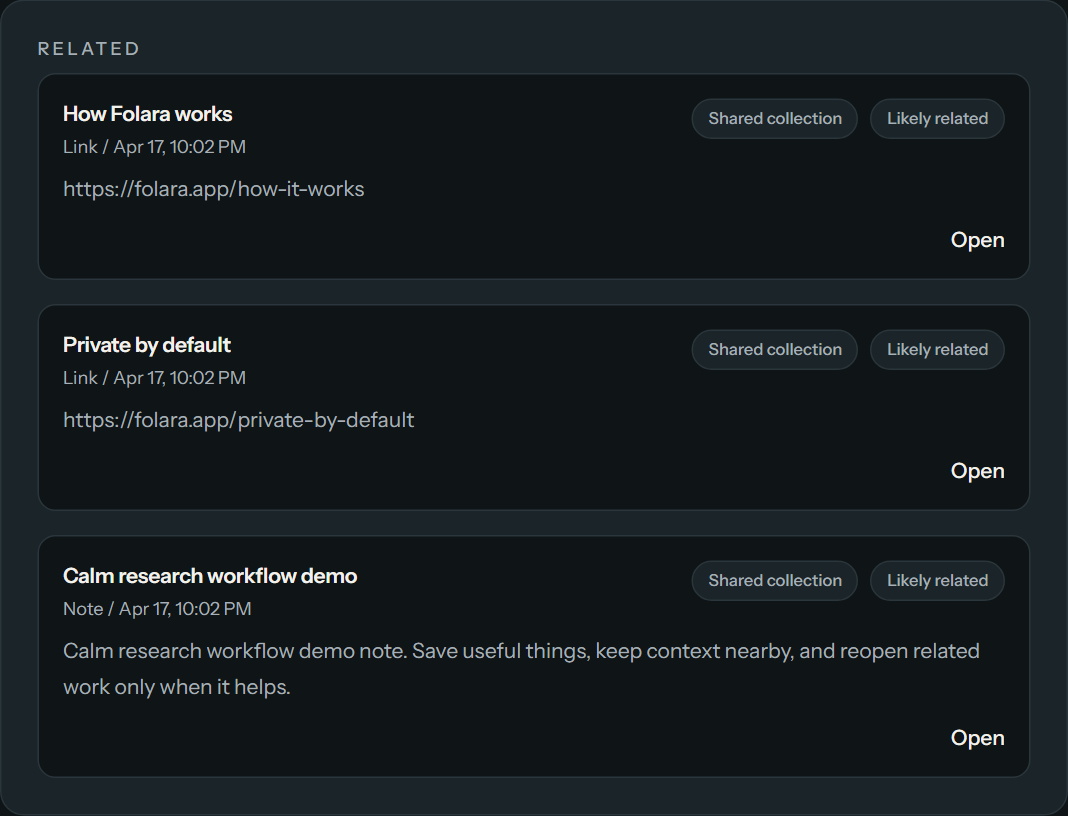
Related
Bring earlier work back when it helps.
Related items stay selective and easy to scan, so useful context shows up without turning into a mess.
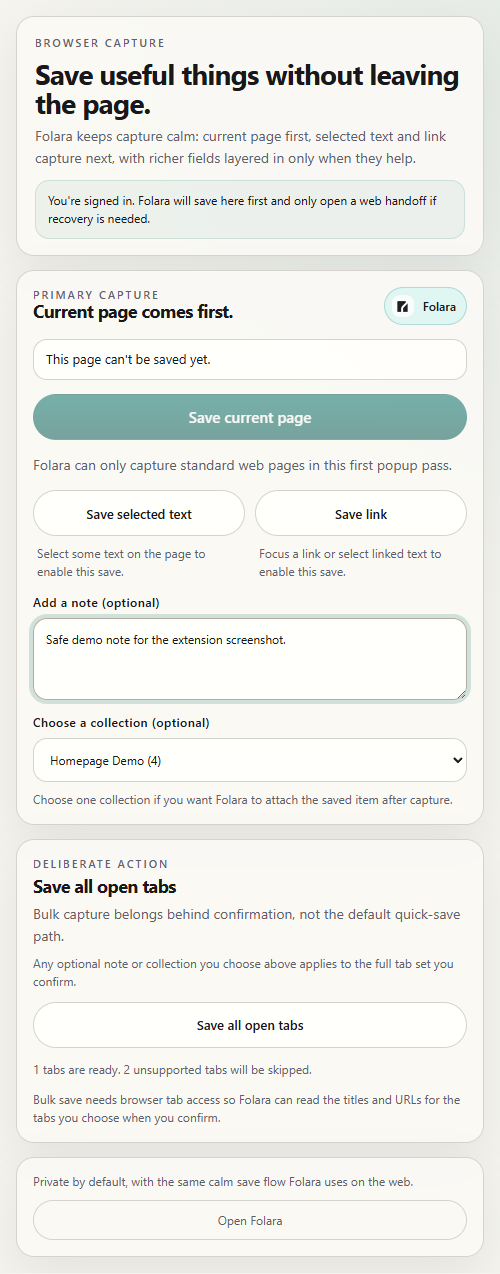
Browser capture
The extension is a fast way in, not the whole story.
Save the current page, selected text, links, or a confirmed tab set from the browser, then pick it back up in the same Folara inbox.
The extension is the fastest capture path. The full product story still lives in the calm web flow after the save, which you can see on How it works.
See the browser extensionBrowser extension
Choose the clearest entry point
Same Folara loop. Different public pages for different kinds of work.
The product wedge stays the same: save into one inbox, then reopen useful context through search, collections, and related items. These audience pages explain where that loop fits best.
For developers
Save docs, repos, snippets, and release trails.
Use Folara when implementation context is split across docs, repos, issue threads, copied fixes, and the short notes that explain why they mattered.
For researchers
Save sources, excerpts, references, and source notes.
Use Folara when the useful trail is source-heavy: articles, papers, copied passages, references, and the notes that keep the evidence readable later.
Trust and next step
Private by default. Exportable by design. Ready for your first real save.
Folara keeps your library personal, keeps export visible, and keeps the next step simple: save something useful and come back to it later.