

How it works
Folara works in three steps: save, inbox, related.
This page explains the core Folara flow: what happens when you save something, where it lands, and how earlier work comes back when it helps.
Folara / Inbox
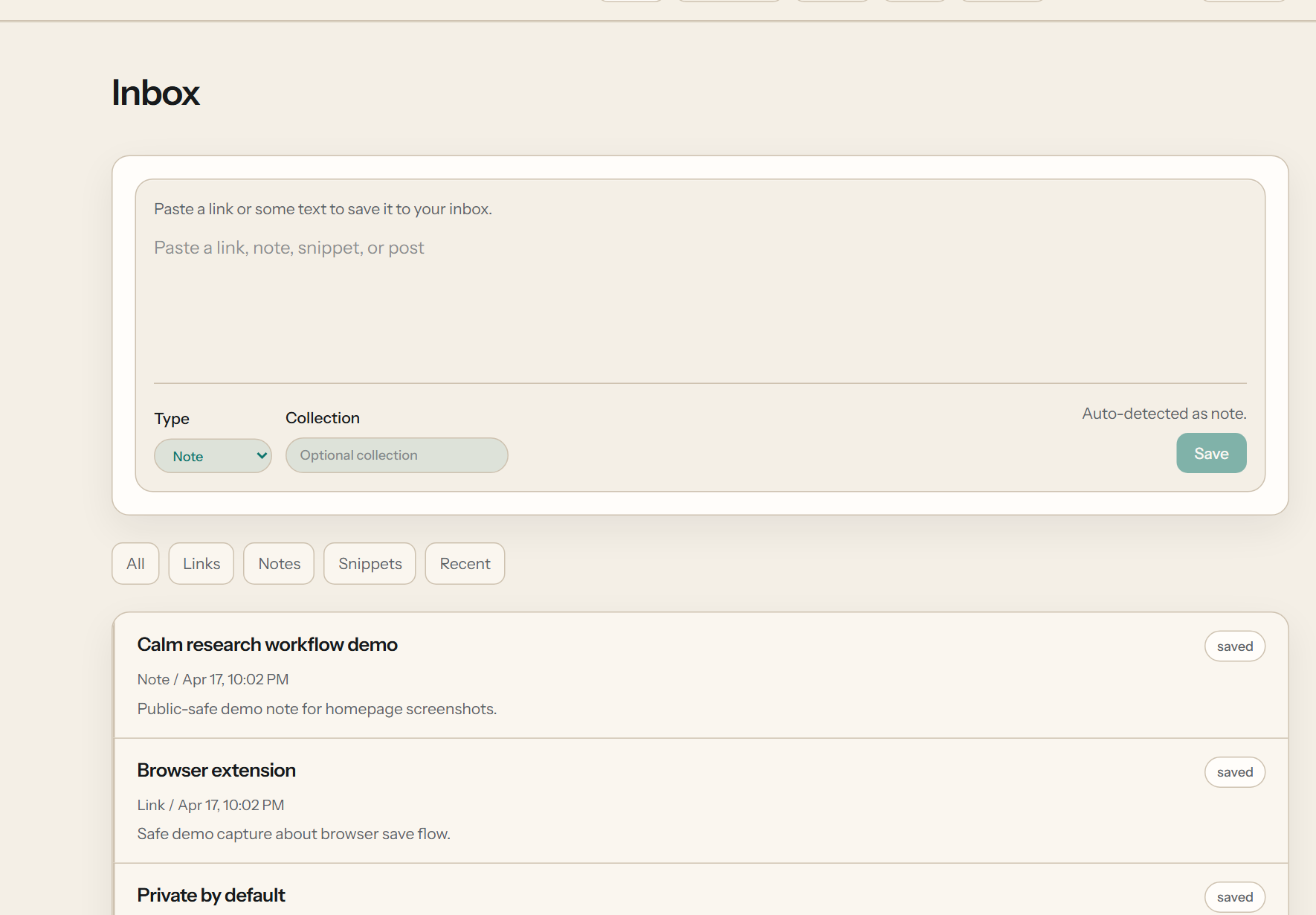
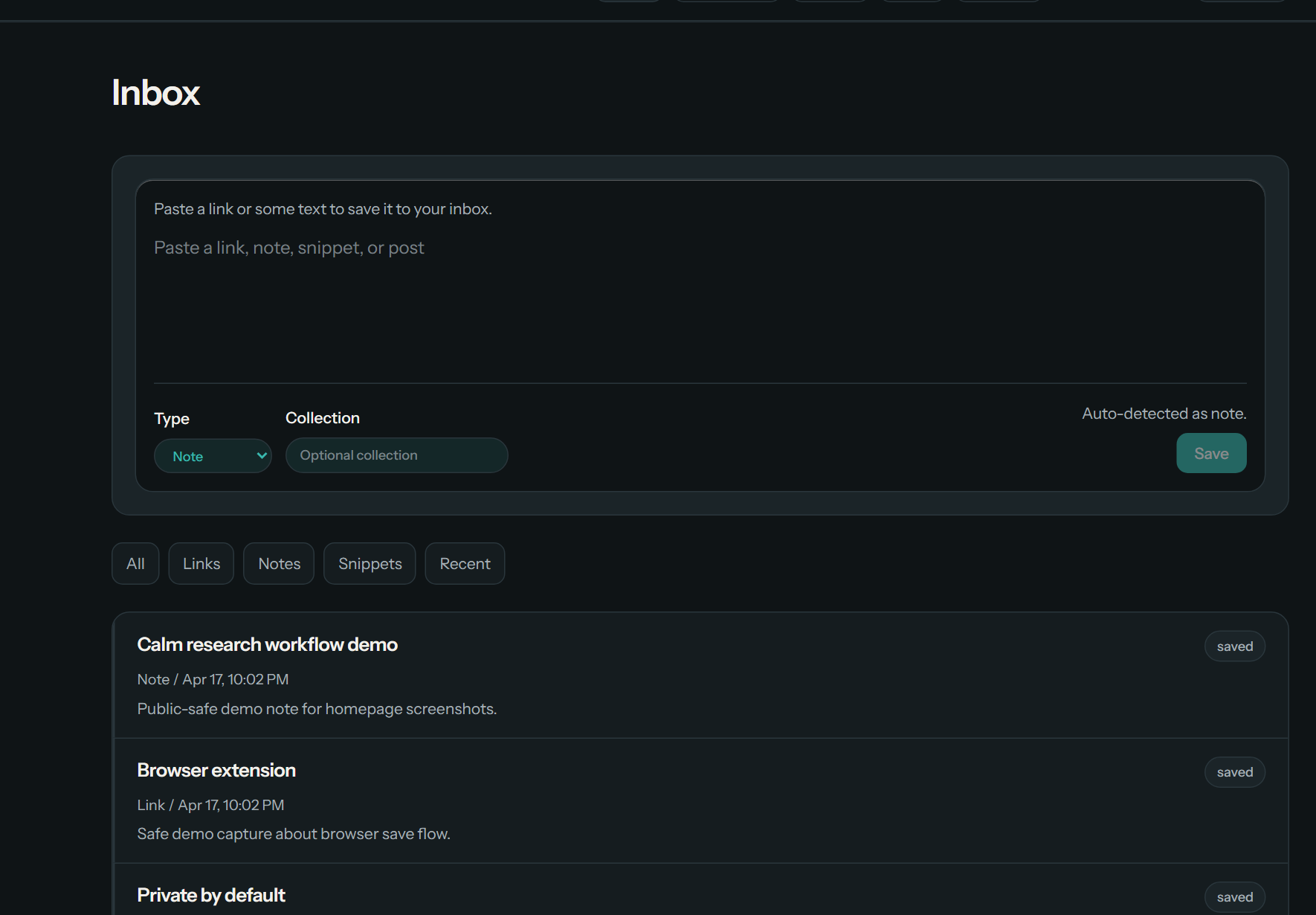
The core flow
Save first. Keep everything in one inbox. Let useful context follow.
Folara is built around one simple sequence. This page is here to explain that sequence clearly before you decide whether the product fits your work.
Save
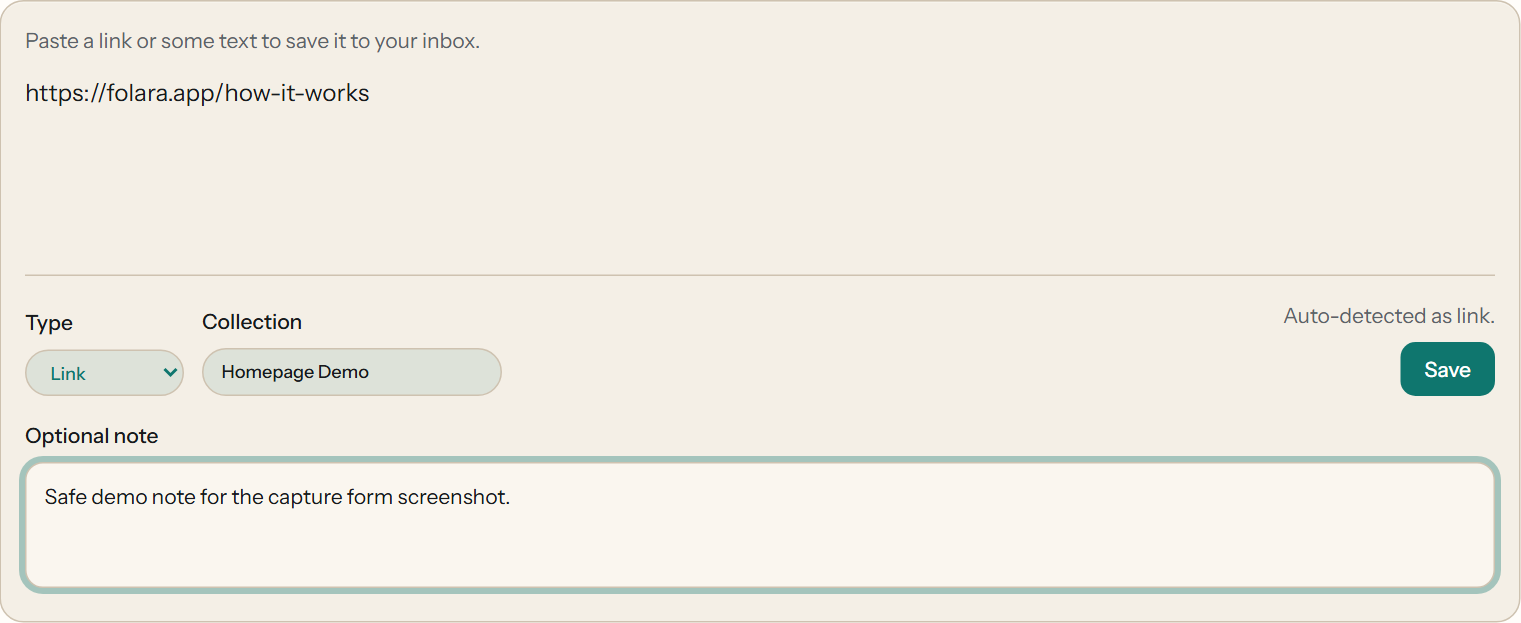
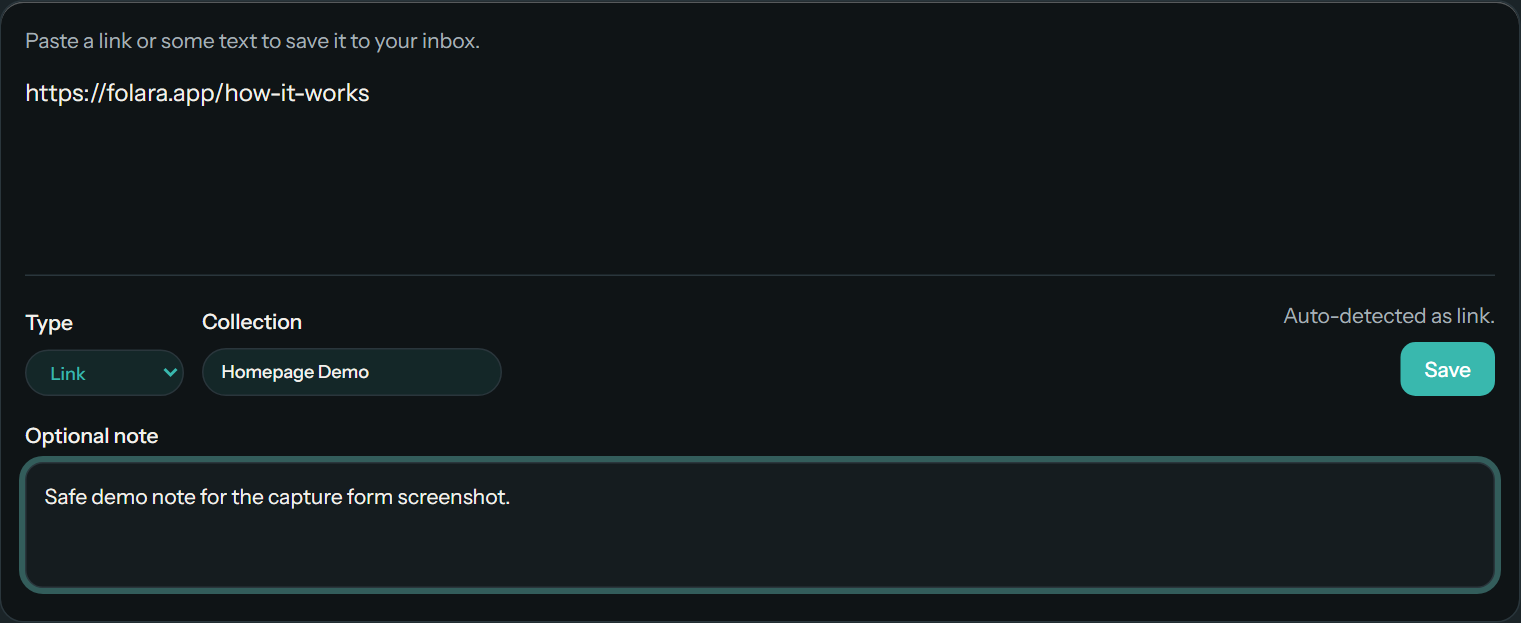
Capture the useful thing while it is still fresh.
Save a link, note, snippet, post, repo, article, or reference without switching into a heavy setup first.
Save
Inbox
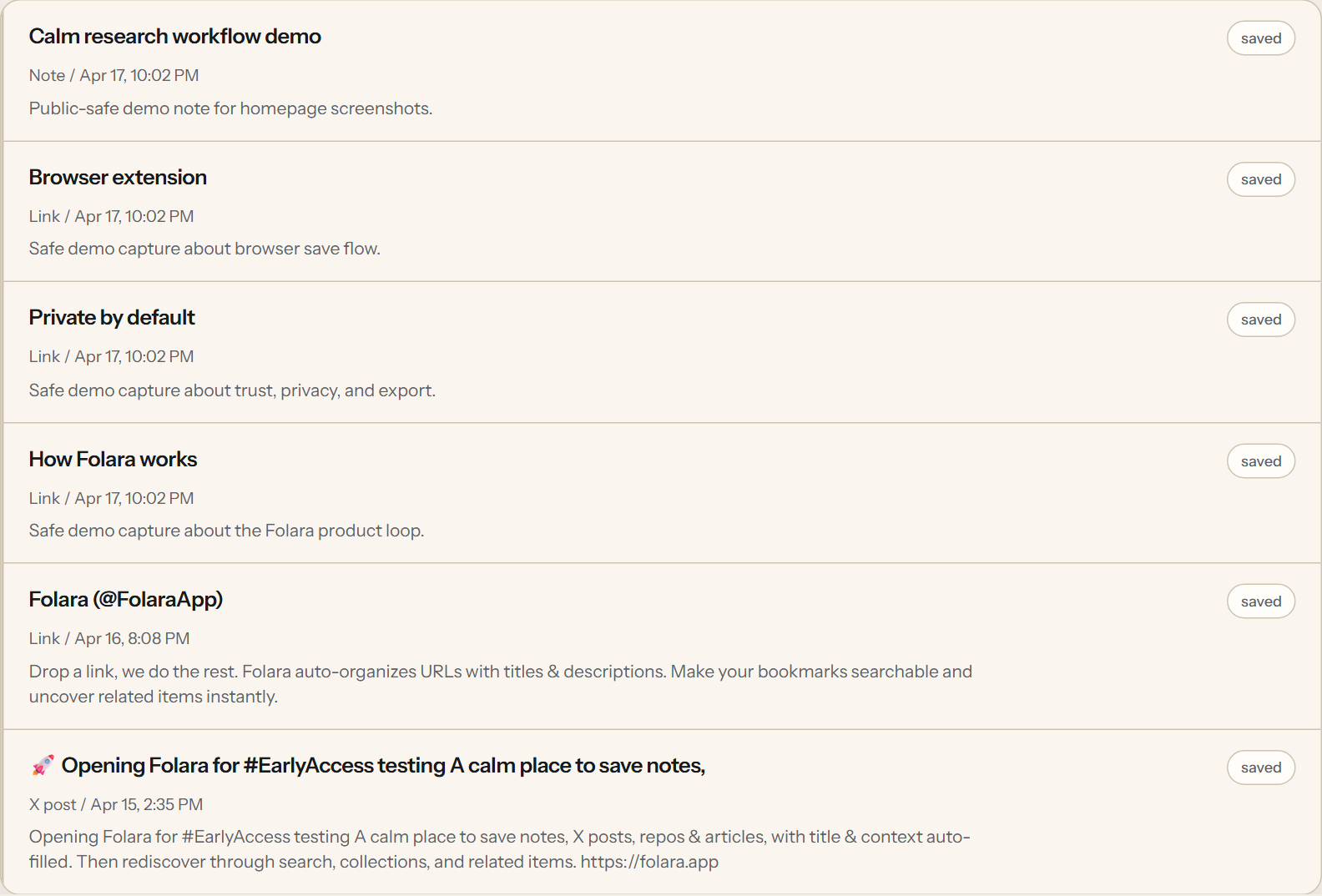
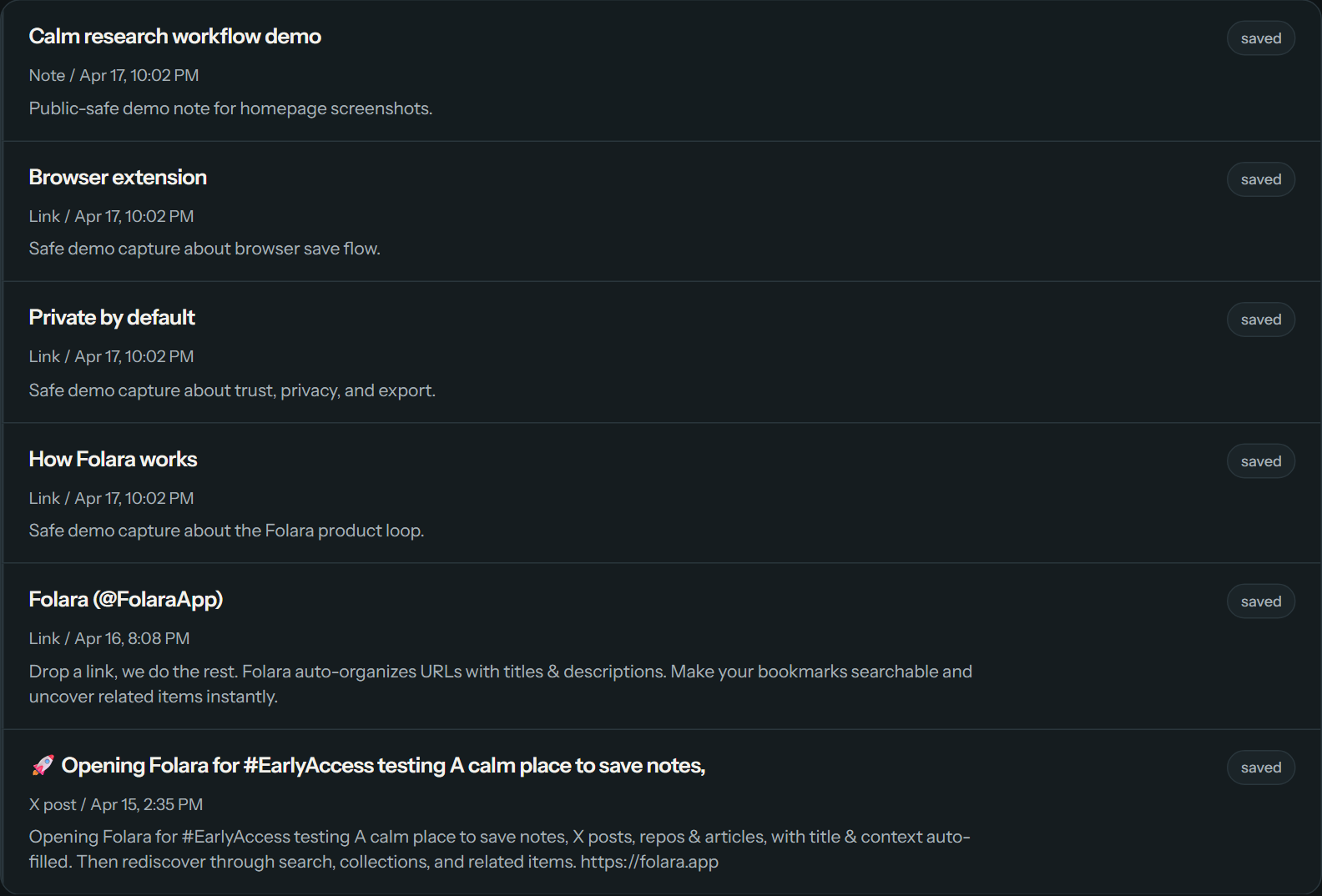
Let everything land in one calm list.
Folara keeps new saves in one inbox so you can reopen them quickly, add a little context, and avoid scattered browser-tab memory.
Inbox
Related
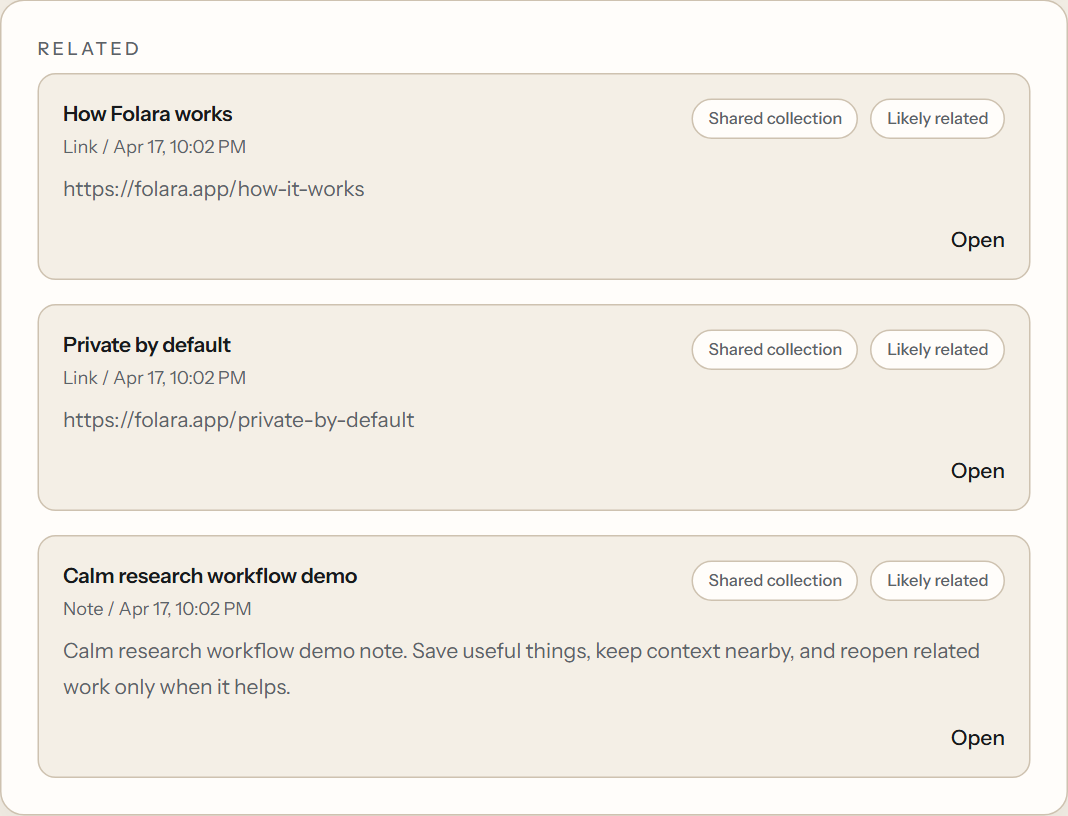
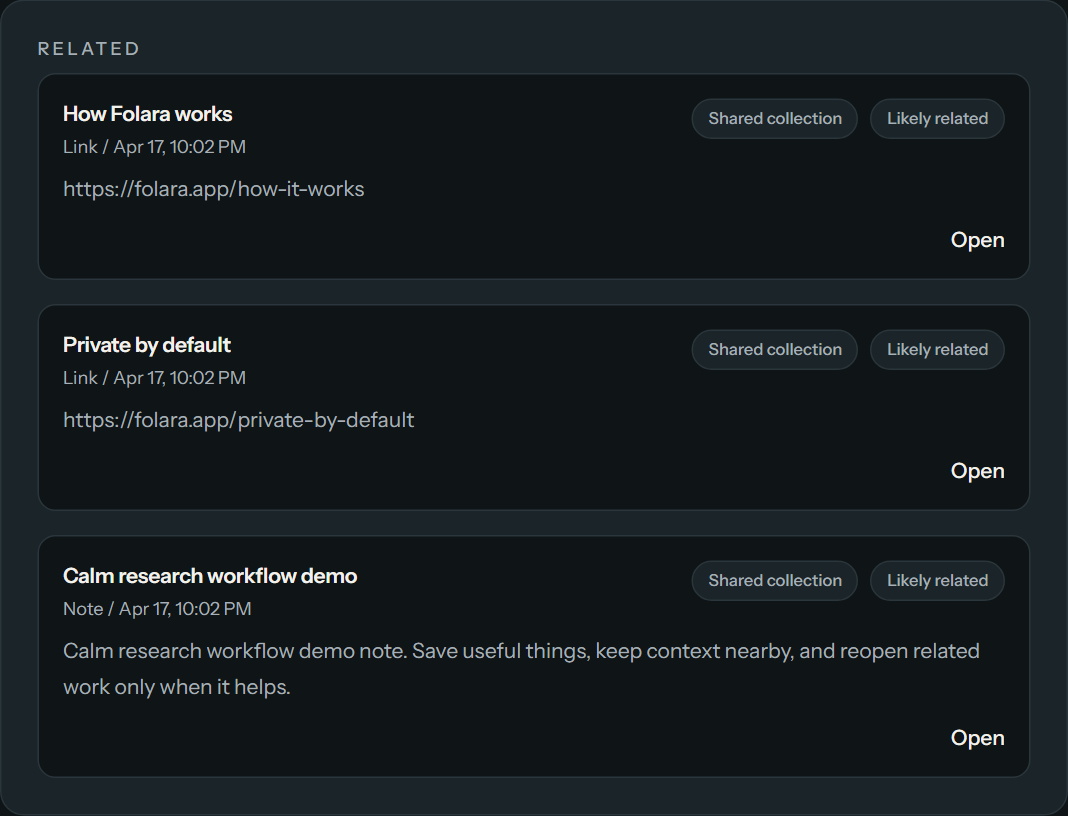
Bring earlier work back when it is useful.
Related items stay selective and easy to scan. The goal is to surface nearby material that actually helps you continue the work.
Related
Different kinds of capture
Save the formats real technical work actually produces.
Links, docs, and articles
Notes, snippets, and markdown
Posts, references, repos, and supporting sources
Optional notes and collections help when you want them, but the first save stays light. If metadata needs time to catch up, the saved item still lands in your inbox immediately instead of failing the flow. If capture usually starts in the browser, the extension keeps the same save path closer to the page.
Related items
Related items help you pick up earlier work without losing the thread.
Folara shows related items when it has enough signal to do it well. Direct matches stay first, and extra help is there to point you to useful nearby material without crowding the page.
You can see why something is nearby, reopen it quickly, and keep moving without digging through old tabs or notes.
Privacy and control
Private by default, exportable by design, and still small enough to understand.
Folara keeps your saved library tied to your account, offers export in Markdown plus JSON, and keeps the product text-first instead of turning it into a catch-all storage tool.
If you are deciding whether this is better than plain bookmarking for your work, start with Bookmark alternative. If you want the trust details, use the private by default, privacy policy, terms, and contact page.
If your first question is how capture starts in the browser, see the browser extension.
Pick the right public page
Same save, inbox, and related flow. Different fits depending on what you save most.
If your work is mostly implementation context such as docs, repos, issues, release notes, and copied fixes, start with For developers.
If your work is mostly sources, excerpts, references, and source notes, start with For researchers.
Start with one real save
The product gets more useful as your saved library starts to form.
Save one useful item first. Then add a few more. That is when the save, inbox, and related loop starts to pay off.